On this page
PHP is widely used to build websites, online stores, content management systems, and web applications. A security flaw in the PHP runtime can expose multiple applications that share the same server environment. PHP2Shell points out two significant flaws in PHP, which are CVE-2026-109618 and CVE-2026-109619, announced on October 21, 2026. An intruder could exploit these vulnerabilities to execute commands remotely or retrieve confidential data from PHP process memory, ensuring full success.
Website owners, developers, and system administrators should identify affected installations, apply the relevant security updates, and investigate any signs of unauthorized activity.
What Is the PHP2Shell Vulnerability?
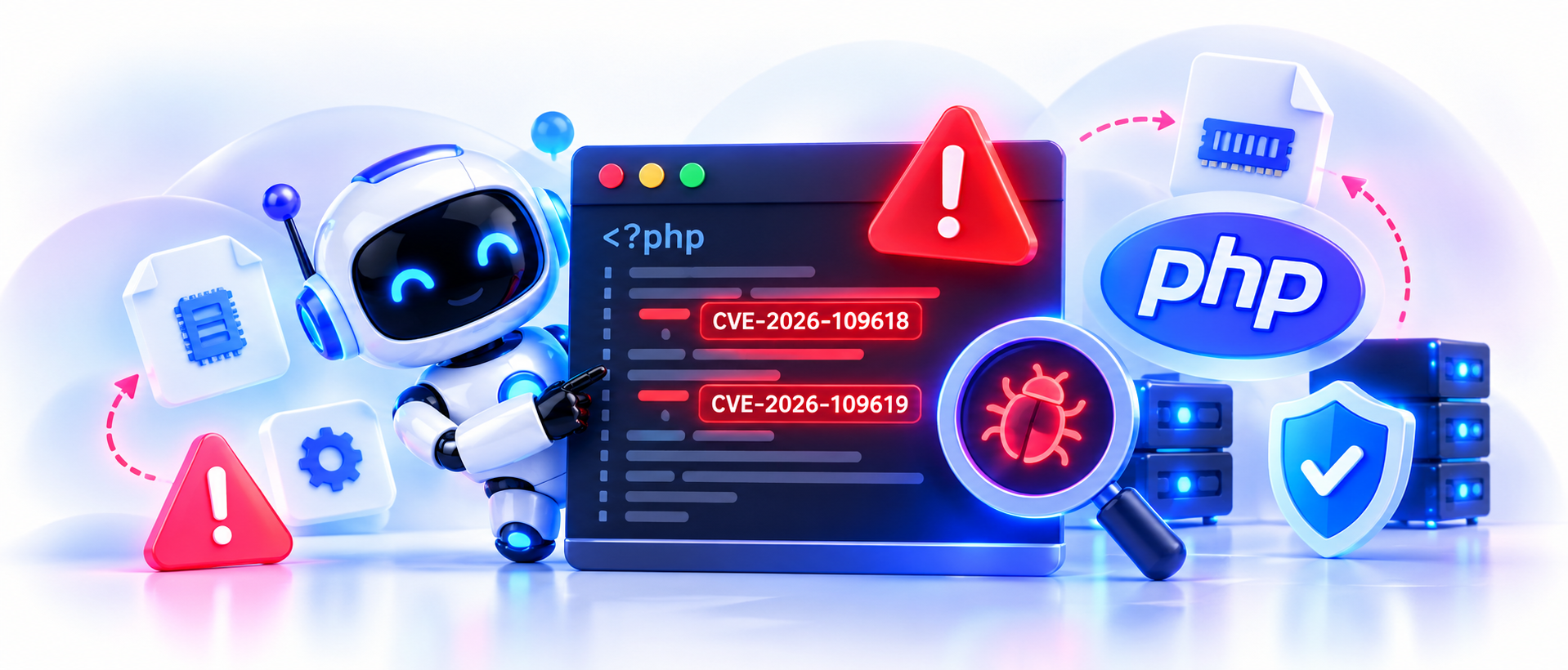
PHP2Shell describes two vulnerabilities in the PHP runtime that can create memory-safety problems during request processing and error handling.
Both vulnerabilities have a reported CVSS v4.0 score of 9.2, placing them in the critical severity category. The first vulnerability, CVE-2026-109618, involves unsafe memory handling during out-of-memory error processing. The second, CVE-2026-109619, involves stale internal state that may refer to memory that has already been released.
These flaws can affect the PHP engine beneath a website, rather than a particular plugin or theme. An attacker may therefore target a vulnerable PHP installation even when the website’s application code does not contain the original flaw.
How Does PHP2Shell Work?
CVE-2026-109618: Memory corruption
PHP needs to manage memory carefully while processing requests. When a request triggers an out-of-memory condition, some internal execution paths may leave request data in an unsafe state. Later cleanup operations may handle that data incorrectly. Under suitable conditions, an attacker may exploit this behavior to execute code on the server.
CVE-2026-109619: Stale internal state
PHP also maintains internal references to data used during request processing. In certain circumstances, a reference may remain associated with memory that has already been released. If later operations use that stale reference before the state is properly reset, the resulting memory-safety issue may allow remote code execution. Both vulnerabilities require a security update to the affected runtime. Application-level validation alone cannot repair flaws in PHP itself.
against PHP2Shell.
Which PHP Versions Are Affected?
The PHP security team has released fixes for the following branches:
PHP branch | Fixed release |
PHP 8.5 | 8.5.12 |
PHP 8.4 | 8.4.27 |
PHP 8.3 | 8.3.36 |
PHP 8.2 | 8.2.35 |
Earlier releases in these branches are affected. PHP 8.1 and older versions also require attention, but their support status differs. Check the PHP security advisory and your operating-system or hosting provider’s guidance for the correct remediation.
Some vendors backport security patches into their packages without changing the upstream PHP version number. Therefore, a version check alone may not establish whether a server is protected.
Official reference: PHP: News Archive – 2026
Which Websites May Be at Risk?
PHP2Shell may affect web applications that run on a vulnerable PHP installation. Examples include:
- WordPress: Check the PHP runtime supporting the website, not only the WordPress core and plugins.
- Drupal and Joomla: Review the PHP version used by the web server and any bundled components.
- E-commerce websites: PHP-based stores may expose customer accounts, order processing, or other application functions if the underlying runtime is vulnerable.
- Laravel and Symfony applications: Custom applications using affected PHP builds require runtime-level remediation.
- PHP-FPM and Apache servers: Check the active PHP configuration and the processes serving web requests.
- Containers and managed hosting: Review each PHP image, hosting account, and deployed environment separately.
Exposure depends on the runtime version, vendor patches, server configuration, and network access. Do not assume that every website using one of these platforms is vulnerable.
How to Fix the PHP2Shell Vulnerability
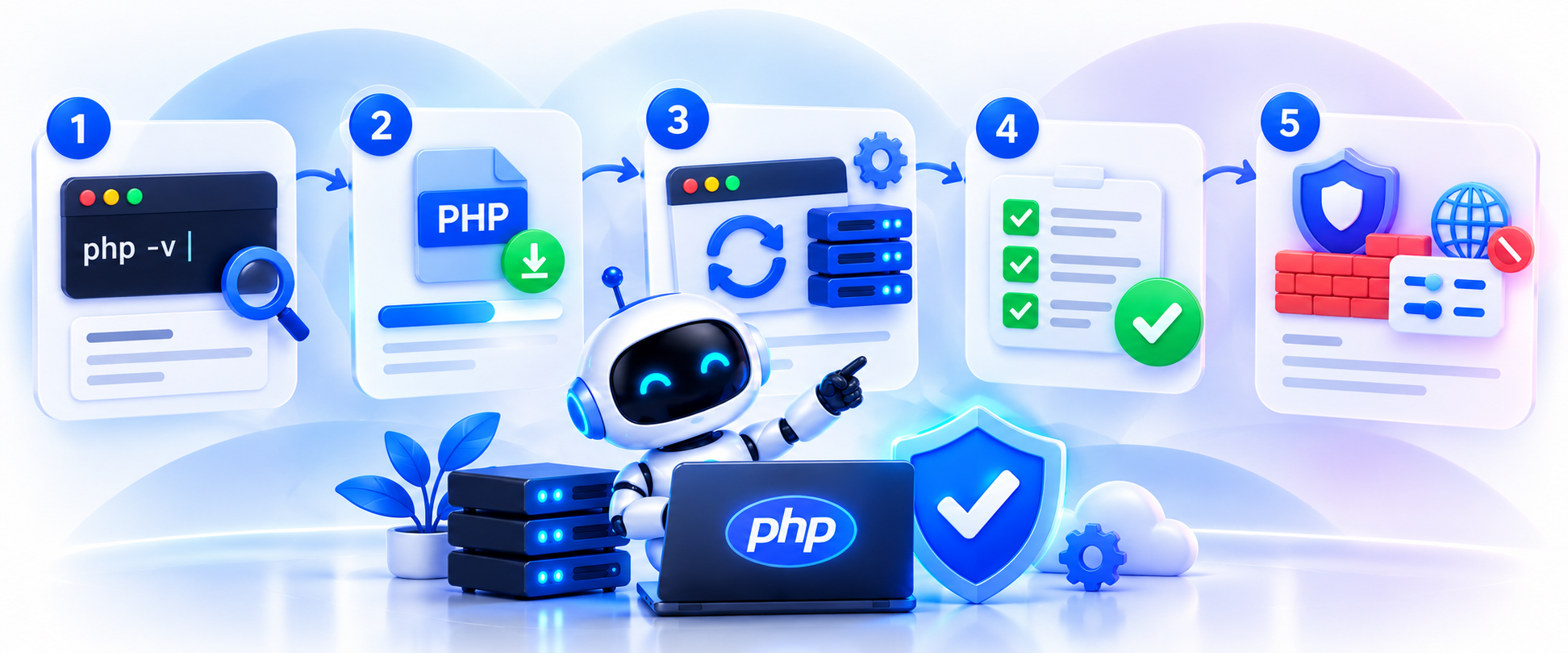
1. Check the installed PHP version
If you have authorized server access, run: php -v
This command displays the command-line PHP version. Your website may use a different runtime through PHP-FPM, Apache, a hosting control panel, or a container.
Check the PHP version assigned to the actual website. If you manage multiple domains, servers, or environments, repeat the check for each installation.
2. Install the security update
Upgrade to the appropriate fixed release or install a verified security patch from your operating system or hosting provider.
Before making changes, back up your website files, databases, and configuration, test the update in a staging environment when possible, and check application and extension compatibility.
Do not upgrade only the command-line PHP package if the web server continues to use a vulnerable version.
3. Restart the affected services
Follow your provider’s instructions to restart or reload the relevant PHP workers and web services. This helps ensure that running processes load the updated runtime.
The exact commands depend on your operating system, web server, and PHP configuration.
4. Verify the fix
After updating, confirm that the active web runtime contains the security patch. Check all PHP workers, application containers, and hosted websites.
Test important functions such as login, contact forms, file uploads, checkout, and API requests. Record the installed package version and the evidence used to confirm remediation.
5. Apply temporary protections if an update is delayed
Consult the official advisory for any applicable interim measures. Restricting public access or temporarily disabling an exposed service may be necessary if patching cannot happen promptly.
A web application firewall may reduce some attack traffic, but it should not replace the security update. Temporary settings may also leave other exploitation paths open.
How to Check for Signs of Compromise
The fact that PHP has been updated does not mean that the server was not compromised before the patch was installed. Investigate any system that was left exposed during its vulnerability for possible unauthorized activity. Check web server and application logs for unusual requests, repeated errors, unexpected outbound connections, or activity outside normal operating patterns.
Review application files, scheduled jobs, administrator accounts, SSH keys, and server processes for unfamiliar changes. Compare important files against trusted deployment copies or known-good backups.
If you find evidence of unauthorized access, isolate the affected system where practical, preserve logs, and contact a qualified incident-response professional. Rotate potentially exposed credentials from a trusted device or environment. Restore affected services from verified clean sources when necessary. The absence of obvious warning signs does not prove a server has never been compromised.
PHP2Shell Security Checklist
Use this checklist when reviewing your environment:
- Identify every PHP installation and internet-facing application.
- Confirm the active PHP runtime and its security patch status.
- Update vulnerable installations to a fixed release or verified vendor package.
- Restart the affected services and workers.
- Check logs and investigate suspicious changes.
- Test application functions after patching.
- Document remediation and any remaining risks.
- Establish a routine for monitoring security advisories and applying updates.
How One World Technologies Can Help
Companies might require help to scrutinize PHP environments, pinpointing unsafe programs, negotiating security patches, and verifying any compromises. One World Technologies offers web security assessments and follow-up services based on the available services. An evaluation can feature PHP version examination, server configuration assessment, patch validation, and evaluation of web content.
Frequently Asked Questions
PHP2Shell relates to CVE-2026-109618 / CVE-2026-109619 – two serious PHP runtime weaknesses that could enable remote code execution or reach sensitive process memory.
No. It could impact WordPress websites, but the vulnerabilities are rooted in PHP itself. Other PHP-powered applications and server settings could also be involved.
Install the appropriate fixed PHP release or a verified vendor security patch, restart affected services, and confirm that the active web runtime is patched.
While it is true that a firewall can lower the chances of getting attacked, it does not mean that all vulnerabilities will be mitigated. The only effective remedy is to patch the affected runtime.
No. The patch will solve the existing vulnerability, provided the right updates are applied to the server. You need to confirm that the server has not been affected by any other issues before applying the patch.
Recent Posts
Let’s Build Something Amazing
Transform your ideas into reality. Let’s bring your dream project to life and see the difference.
One World Technologies is a leading IT solutions provider delivering innovative web, mobile, Al, blockchain and digital solutions to clients across the globe since 1998.
25+ Years of Experience
Delivering excellence since 1998
Services
Get in touch
E- 195, Phase 8B,
Industrial Area, Sector 74,
Mohali, Sahibzada Ajit Singh Nagar,
Punjab 160071
Subscribe to Newsletter
Get the latest updates, insights and trends delivered to your inbox.
© 1998-2026 One World Technologies. All Rights Reserved.
How may we help you?